
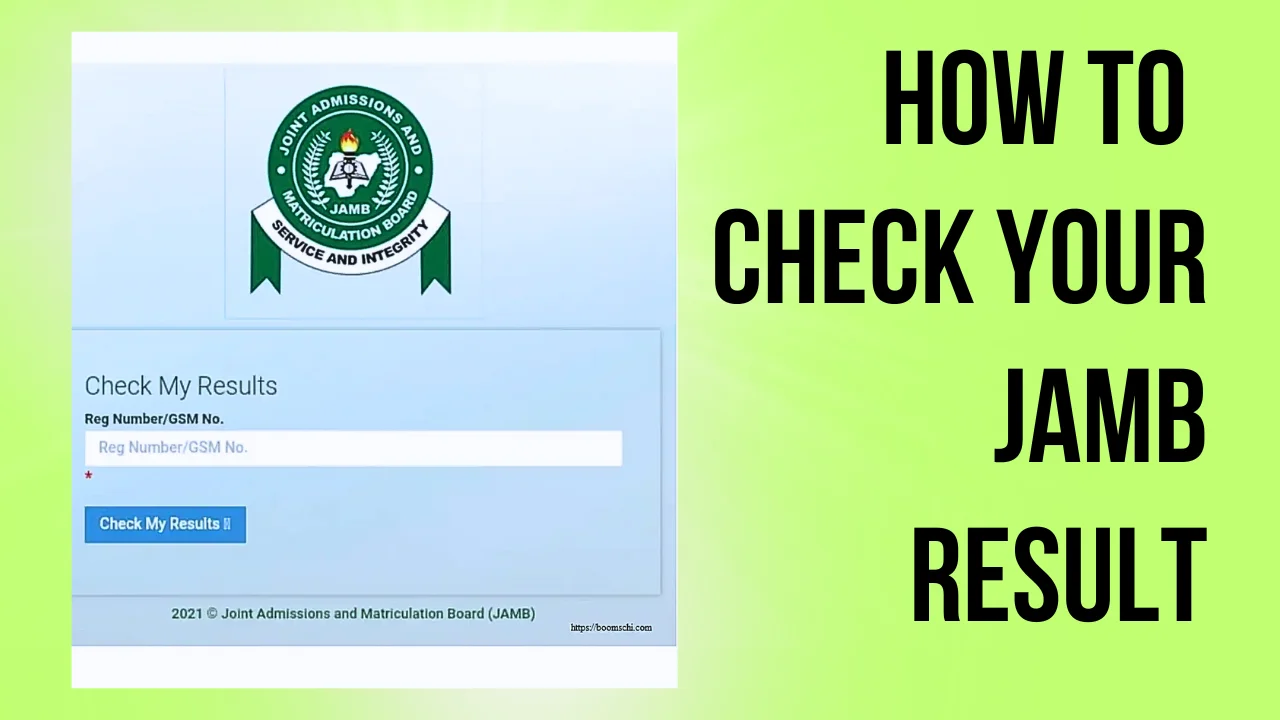
You have finished your UTME, left the CBT centre and now there is one thing you really want to know: what did I score?
Once JAMB begins releasing results, candidates naturally rush to check theirs. This can also be the point where confusion starts. Some candidates receive their results almost immediately, while others get no response, see an error message or discover that their result is not yet available.
If that happens to you, don't assume the worst.
The important thing is to use only the official JAMB channels and pay attention to whatever response you receive.
This guide explains how to check your JAMB result, what to do if it is not showing and how to avoid scammers claiming they can change or upgrade your score.
Table of Contents 16 sectionsShowHide
- How to Check Your JAMB Result
- Method 1: Check Your JAMB Result by SMS
- Method 2: Check Through JAMB's Online Services
- Why Is My JAMB Result Not Showing?
- Your Result May Not Have Been Released Yet
- Your Result Is Withheld or Under Investigation
- JAMB Says You Were Absent
- You Receive an SMS Error or No Response
- Don't Use Random JAMB Result Websites
- Can Someone Upgrade Your JAMB Result?
- JAMB Result Notification vs Original JAMB Result Slip
- My Result Is Out. What Should I Do Next?
- What If My JAMB Score Is Low?
- Final Advice
- Get Real-Time Admission & Screening Alerts
- Frequently Asked Questions (FAQs)
How to Check Your JAMB Result
JAMB provides official channels through which candidates can access their UTME results. Depending on the instructions issued for your examination year, this may include checking by SMS and through JAMB's online services.
Because JAMB procedures can change from one examination year to another, always follow the latest instructions published by JAMB rather than relying on an old shortcode or website shared on social media.
Method 1: Check Your JAMB Result by SMS
For many candidates, SMS is one of the easiest ways to check a UTME result because you don't need an internet connection.
The important part is using the phone number associated with your JAMB registration/profile.
Open the messaging application on that phone and follow the result-checking instruction announced by JAMB for the current UTME.
Where JAMB instructs candidates to use UTMERESULT, type it exactly as directed and send it to the official JAMB shortcode specified for that examination year.
After your request has been processed, you should receive a response containing your result or a message explaining its current status.
Make sure the SIM has sufficient airtime before sending the request because SMS charges may apply.
If you don't receive a response immediately, avoid repeatedly sending the same message within a few minutes. Network congestion can sometimes delay SMS responses, particularly when many candidates are checking their results at the same time.
Method 2: Check Through JAMB's Online Services
You may also be able to access your result through JAMB's official online services when the relevant result-checking service is available.
Start from the official JAMB website or e-Facility rather than clicking random result-checking links shared through WhatsApp, Telegram or Facebook.
Visit the official JAMB website at jamb.gov.ng and follow the appropriate link to the candidate or result service.
If you are required to sign in, use the details associated with your JAMB profile.
Once logged in, locate the appropriate result service and follow the instructions displayed on the page.
The exact interface can change, so don't worry if the buttons or wording you see are slightly different from screenshots in older tutorials.
Why Is My JAMB Result Not Showing?
If other candidates are already seeing their results but yours is not available, that doesn't automatically mean your result has been cancelled.
There are several possible reasons, and the response you receive from JAMB is important.
Your Result May Not Have Been Released Yet
JAMB may process and release results after carrying out the necessary checks.
This means you shouldn't conclude that something is wrong simply because another candidate who wrote the examination around the same period has already received a result.
Check again later and monitor JAMB's official announcements.
Avoid relying on messages such as:
“Everyone's result is now out.”
Unless that information came from JAMB, it may not accurately describe your own result status.
Your Result Is Withheld or Under Investigation
A withheld result is different from a result that simply hasn't appeared yet.
JAMB may withhold results while investigating suspected examination irregularities or other issues connected with the conduct of the examination.
If JAMB specifically tells you that your result has been withheld, don't pay anyone who claims they can “release” it.
Continue monitoring official JAMB communication. If JAMB provides a complaint, support or review procedure relating to your situation, follow that procedure.
JAMB Says You Were Absent
If your result status indicates that you were absent but you actually sat for the examination, don't try to solve the issue through an agent.
Gather your examination details, including your registration number and examination slip, and contact JAMB through its official support channels or an accredited JAMB office.
Explain exactly what happened and allow JAMB to investigate the record.
You Receive an SMS Error or No Response
Sometimes the problem may be with the SMS request rather than your result.
First confirm that you are using the phone number associated with your JAMB profile and that the line has enough normal airtime to send the request.
Also confirm that you used the correct command and shortcode announced by JAMB.
If everything is correct but you still receive no response, wait and try again later. Heavy traffic around result-release periods can affect services.
You can also check JAMB's official communication channels to see whether there is a general service issue.
Don't Use Random JAMB Result Websites
When results are released, fake JAMB websites often begin circulating online.
Some are designed to collect candidates' registration details, while others may eventually request payment.
A website having “JAMB” in its domain name does not mean that it belongs to JAMB.
A safer approach is to start from the official JAMB website:
jamb.gov.ng
From there, follow the appropriate link to the service you need.
Be particularly careful with links sent through WhatsApp groups, Facebook comments and Telegram channels.
Can Someone Upgrade Your JAMB Result?
No legitimate person can offer you a JAMB result-upgrade service.
If somebody tells you:
“Send ₦10,000 and I'll change your 168 to 250.”
you should treat it as a scam.
The same applies to people claiming to have an “inside connection” at JAMB or access to a special result-upgrade portal.
Do not send them your money, password, registration details or other sensitive information.
A low JAMB score can be disappointing, but paying someone to supposedly alter it will not create a legitimate admission result.
Your better option is to understand what admission opportunities are realistically available with your score.
JAMB Result Notification vs Original JAMB Result Slip
Candidates also sometimes confuse simply checking their UTME result with obtaining the official result slip.
They are not necessarily the same thing.
When you initially check your result, your main goal is to see your subject scores and overall UTME performance.
The original JAMB result slip is the more formal document available through JAMB's services and may be required during admission screening or clearance. It typically contains additional candidate information and is obtained through the process specified by JAMB.
If you need the original result slip, use JAMB's official platform and confirm the current fee displayed there before making payment.
Do not send money to someone on WhatsApp simply because they promise to print an “original” result for you.
My Result Is Out. What Should I Do Next?
Seeing your JAMB score is only the beginning of the admission process.
Your next step depends on your score, chosen institution and course.
Check the admission requirements for your institution and course. You should also make sure your O'Level results are properly available to JAMB when required for admission processing.
As schools begin their admission exercises, pay attention to:
Post-UTME or screening registration, institutional cut-off requirements, O'Level requirements, JAMB CAPS, course requirements and admission deadlines.
Don't wait until admission lists begin appearing before checking whether everything on your JAMB profile is correct.
What If My JAMB Score Is Low?
A score below your original target doesn't automatically mean you have no admission options.
Your possibilities will depend on your course, institution, relevant admission requirements and the policies for that admission year.
Instead of immediately changing institutions because someone tells you that your score is “too low,” first check the requirements of the schools and courses you're considering.
This is also where an admission eligibility checker can be useful because your JAMB score is only one part of the admission picture.
Final Advice
Checking your JAMB result should be straightforward, but result-release periods can be stressful, especially when other candidates have received theirs and yours isn't showing.
The most important thing is not to panic.
Use the official JAMB channels, make sure you're following the instructions for the current UTME year, and pay attention to the exact response JAMB gives you.
If your result isn't available immediately, give the system some time and check official announcements. If JAMB specifically reports a problem with your examination record, use its official support channels instead of paying an agent to “fix” it.
Once your result becomes available, move on to the next part of your admission journey: checking your institution's requirements, preparing for screening and monitoring JAMB CAPS.
Get Real-Time Admission & Screening Alerts
Join over 65,000 Nigerian students receiving verified departmental cut-off drops, JAMB CAPS batch announcements, and post-UTME screening notices directly on WhatsApp.
Join SchoolGateHub WhatsApp Channel
Frequently Asked Questions
Quick answers to common questions about this guide
1Can I check my JAMB result with another person's phone?
For SMS-based result checking, use the phone number associated with your JAMB registration/profile as instructed by JAMB.
2Can I check my JAMB result without internet?
If JAMB makes SMS result checking available for your examination year, you can use that method without mobile data. SMS charges may still apply.
3Why is my JAMB result not showing when my friends have seen theirs?
Your result may still be undergoing processing or there may be another issue specific to your examination record. Check the exact response from JAMB and continue monitoring official updates.
4Can I upgrade my JAMB score after release?
No. Anyone claiming to upgrade JAMB scores is a fraudster. JAMB database is cryptographically secured and scores cannot be altered.
5What score is considered good for university admission?
A score of 200+ qualifies you for most federal and state universities, while competitive courses like Medicine and Law typically require 270+.
Join Our Educational Updates Community
Get instant real-time alerts on scholarships, state bursaries, admission lists, and student opportunities.